TL;DR
The problem: Tower lobbies open for anyone who looks like they belong. Delivery agents wander, ex-tenants walk back in, and nobody knows who entered which tower.
What helps: Devices at each lobby door check every person against live community records. Residents walk in with their face or the app, staff only reach the towers they are authorised to, and visitors get a pass for the authorised tower only.
The outcome: Your lobby stays open for the people who live there and closed to everyone else, without posting a guard at every tower.
Why is the tower lobby so hard to secure?
The main gate gets a guard, a register and a boom barrier. The lobby of each tower usually gets an open door. Once someone is past the gate, nothing stops them from walking into any tower, any lift and any floor.
It’s 3 in the afternoon in Tower B. Lakshmi aunty, who lives alone on the 11th floor, steps into the lift. A young man with a backpack follows her in. He presses 11 too. He isn’t a resident, and he isn’t a delivery she’s expecting. He’s a delivery agent for tower C-1104 who took the wrong turn, but she doesn’t know that. She spends 11 floors wondering..
- Confidence is the only pass you need. Guards rarely question someone who looks like they belong.
- Delivery agents and vendors roam. They’re let in at the gate for one flat and end up in lobbies, lifts and corridors of other towers.
- Ex-tenants and domestic staff who no longer work in the building are often still able to enter the community and roam around
- Children and elderly residents share the space. The lobby and lift are where they’re most likely to meet a stranger, alone.
- There’s no record. When something goes wrong, nobody can say who entered which tower, and when.
What is lobby and tower entry automation?
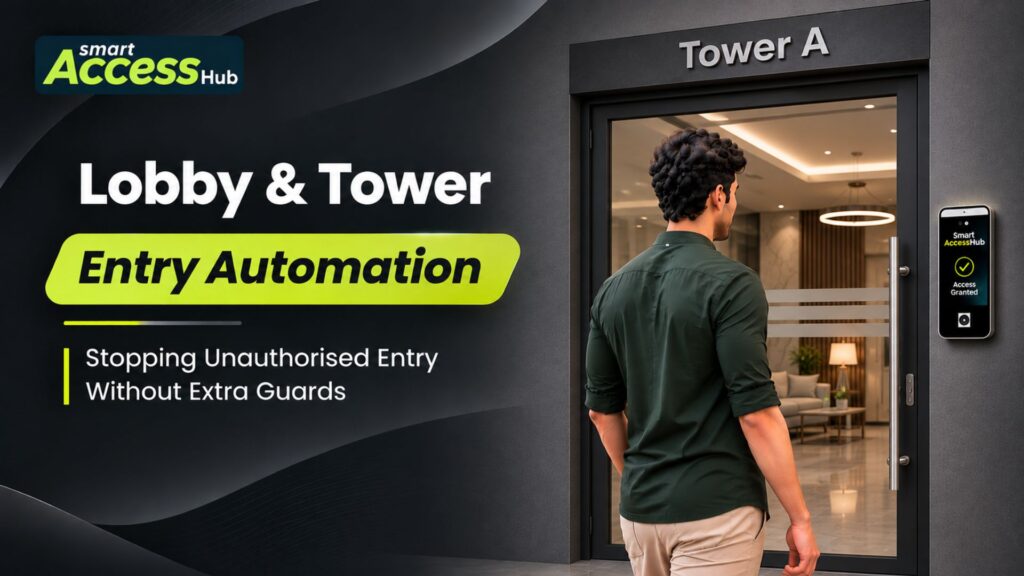
Lobby and tower entry automation is a system that decides, at each tower’s lobby door, who can come in. It checks the person’s identity, checks whether they’re allowed into this particular tower, and then opens the door or keeps it shut.
The key word is this particular tower. A cook who works in C-302 belongs in Tower C. A visitor for B-1104 belongs in Tower B, for the length of the visit. Lobby automation turns those simple facts into rules the door follows on its own.
It doesn’t replace your main gate. It adds a second check where it matters most: at the doorstep of the building people actually live in. Read more about access control systems for housing societies.
How do you automate tower lobby entry?
Put a verification device at each lobby door and connect it to your community’s live records. The door then follows the records, not anyone’s memory.
Every time someone walks up, the same five checks happen in under a second:
- The person shows who they are. Their face, the resident app, a staff ID card or a visitor pass.
- The system confirms the identity. Is this person registered, and is their profile still active?
- It checks this door. Are they allowed into this tower, not just the community?
- It applies the rules. For example, the hours a staff member is allowed in.
- The door opens or stays shut. Either way, the entry attempt is logged.
Because every lobby runs off the same records, one change updates every door. When a new family moves in, their access starts working in their tower. When someone moves out or a helper is let go, their access is removed from every lobby centrally. Nobody has to update each device or brief each guard.
Who gets into the tower, and how?
Different people need different ways in. A good lobby system gives each group the simplest method that still keeps them to the right tower.
- Residents (owners and tenants) walk in with face recognition or the Resident ID QR in the app. It works for their own tower, plus any other doors they’re authorised for.
- Domestic helpers such as cooks, nannies and drivers use a QR staff ID card. It opens only the tower of the flat they work in.
- Community staff such as housekeeping and maintenance also use a QR staff ID card, limited to the towers and shifts their role needs.
- Guests, delivery agents and vendors get a visitor Smart pass, issued at the main gate or pre-approved by the resident. It works only for the tower they’re visiting, until the visit ends.
How do you stop delivery agents and ex-tenants from wandering in?
Give every visitor a pass for one tower, and remove access centrally the day someone leaves. These two steps close most of the gaps a lobby has today.
Delivery agents and vendors
Deliveries aren’t the problem. The problem is a delivery agent for one flat who ends up in three towers. With a visitor pass, the flow is simple:
- The agent arrives at the main gate, and the resident approves the visit.
- A pass is issued that works only for the tower they’re delivering to.
- They scan it at that tower’s lobby door. Any other tower’s door stays shut.
- The pass expires when the visit ends.
Friends and family get the same pass, pre-approved by the resident from the app. They scan at the gate and the lobby, and nobody has to call upstairs.
Ex-tenants and former staff
A guard can’t know that the friendly face from last year moved out in March. The system does. When a tenant’s lease ends or a helper is let go, their access is removed once, centrally, and stops working at every lobby. A familiar face no longer means an open door.
How does SmartAccessHub manage lobby and tower entry?
SmartAccessHub puts every tower lobby on one platform, alongside the main gate, lifts, basement and clubhouse. It connects to your community’s existing system of record, so resident, staff and visitor details reach every lobby door without anyone entering them twice.
Four parts do most of the work at the lobby:
- Tower-level access. Each lobby is controlled on its own. Residents, staff and visitors are authorised per tower, not for the whole community.
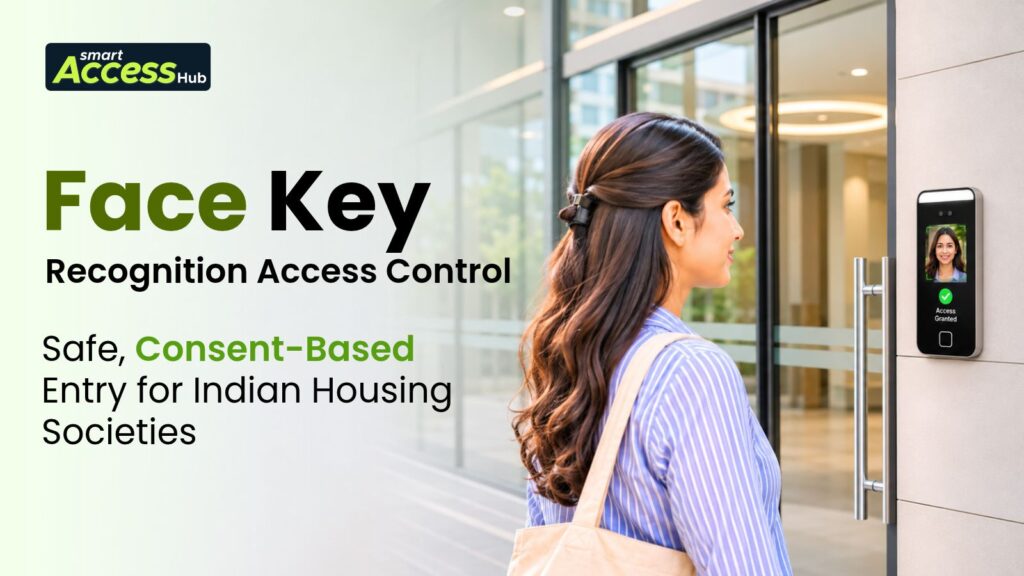
- Face Key. Residents walk up and the door opens in about 0.6 seconds. They activate it once from the app, and it works at every door they’re allowed through. The face is stored as an encrypted string, not an image, in line with India’s DPDP Act, 2023.
- Visitor and staff passes. Visitors get a QR pass for one tower and one visit. Staff ID cards work only in the towers and hours their role allows.
- Entry logs. Every lobby entry is recorded with the time, the person and the method used, and the MC can review it anytime.
Setting it up, step by step
- Agree on the policy in the MC. Decide who can enter which tower, how visitors are approved and what hours staff can come in. Share it with residents.
- Connect the lobby doors onto the platform. Each tower’s door runs off the same records as the gate and lifts.
- Connect your resident and staff records. Move-ins and move-outs reach every lobby automatically.
- Enrol residents. Residents activate Face Key or start using the app QR. Seniors and children who need it get an RFID wristband.
- Issue staff cards and set visitor rules. Each card is tied to the right tower and shift.
- Review the logs. Check them regularly to settle questions and fine-tune the rules.
What are the benefits of automating lobby entry?
Every tower gets a check at its own door, and you don’t need a guard standing at each one. Communities using SmartAccessHub see up to 70% less dependence on guards at doors like the lobby, clubhouse and amenities.
For the MC
- Tower-level security without adding a guard per tower
- One place to add or remove anyone, instead of briefing every guard
- A clear record of who entered which tower, for any complaint or incident
For residents
- No card to carry, forget or lend. The door opens as you reach it
- Fewer strangers in the lobby and lift, which matters most for children and elderly parents
- Guests still welcome, on a pass that works for your tower and ends with the visit
For guards
- No more judging strangers by how confident they look
- No paper registers to maintain at each tower
- More time for patrols, emergencies and the incidents that need a person
What does the lobby look like once it’s automated?
A few weeks later, Lakshmi aunty walks back from the vegetable vendor. The Tower B door opens as she reaches it.
The delivery agent for B-1104 scans his pass at the same door a minute later and goes straight up. Earlier he had tried the Tower C lobby by mistake. That door stayed shut. The tenant who moved out in March tried the Tower B door on Sunday, out of habit. It didn’t open.
Suresh stayed at the main gate the whole time. Nobody needed him to stand at Tower B.
Frequently asked questions
Do we still need guards if the lobby is automated? Yes, at the gate and for patrols and emergencies. What changes is that guards no longer have to stand at every tower door deciding who looks like they belong.
What about elderly residents and children who don’t use smartphones? They can use an RFID wristband instead of the app or a face scan. The admin sets it up for them.
Can a domestic helper enter other towers? No. A helper’s staff ID card works only for the tower of the flat they work in.
What happens when a tenant moves out? Their access is removed once, centrally, and stops working at every lobby. Nobody has to update each door.
How do visitors get into the tower? The resident approves the visit, or pre-approves it from the app. The visitor gets a QR pass that works only for that tower and expires when the visit ends.
Is face recognition safe for residents? Residents activate Face Key themselves from the app and can withdraw it anytime. The face is stored as an encrypted string, not a photo. Read how Face Key handles consent and privacy.
Do we need to replace our existing lobby doors? It depends on your setup. A site assessment will show what can be connected and what needs to change.
Make every tower lobby a doorstep, not a hallway
A lobby run on trust and a busy guard ends up open to anyone who walks in with confidence. When each tower’s door checks who belongs, residents walk straight in, staff stay in the towers they work in, visitors reach only the flat they came for, and nobody has to stop a stranger by guessing. Your MC sets the rules once, and every lobby follows them every day.
If you manage a housing society and want to see how this would work for your towers, explore SmartAccessHub at smartaccesshub.com or request a demo.
Feels Like Magic. Built Like a Fortress.